Creating an audit
An audit starts with a name, the chains and depth you want it to run at, and a list of wallets. Wallet Sleuth accepts up to thousands of addresses in one go, deduplicates and validates them as you type, and shows a live preview before you submit.
Steps
-
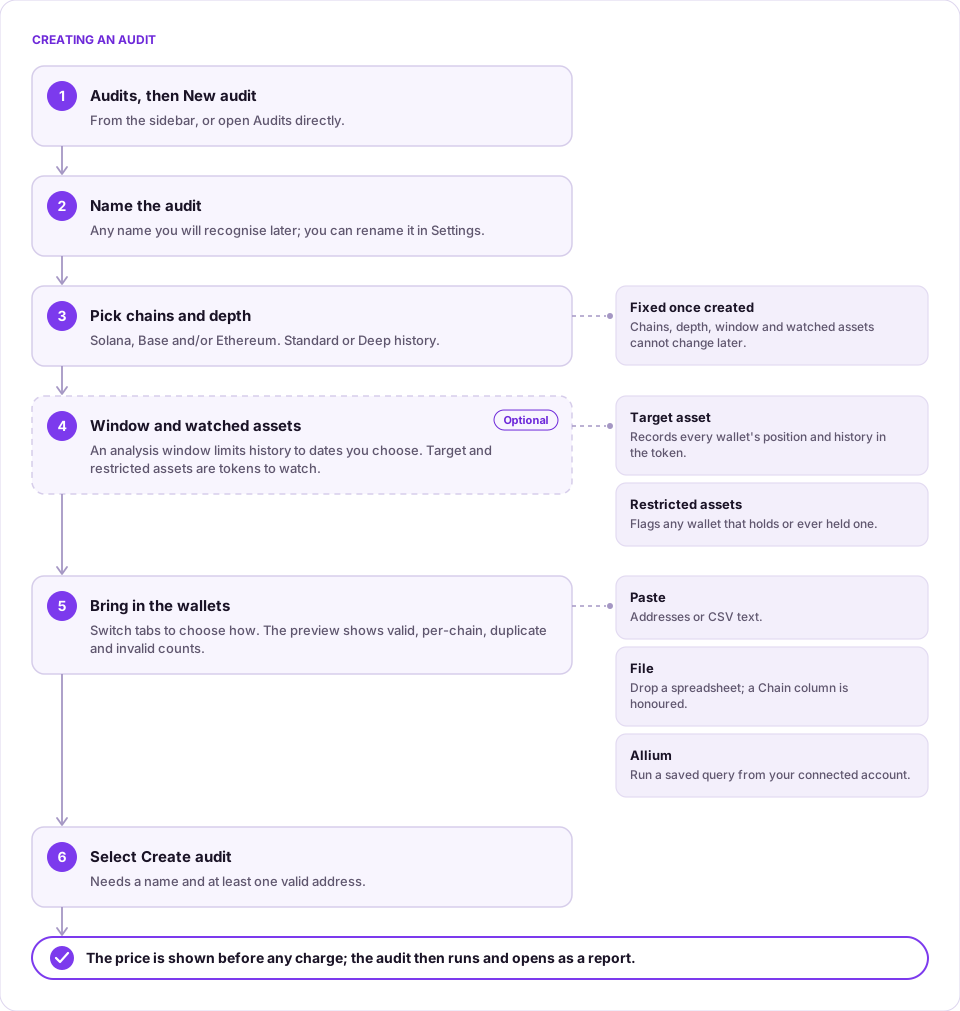
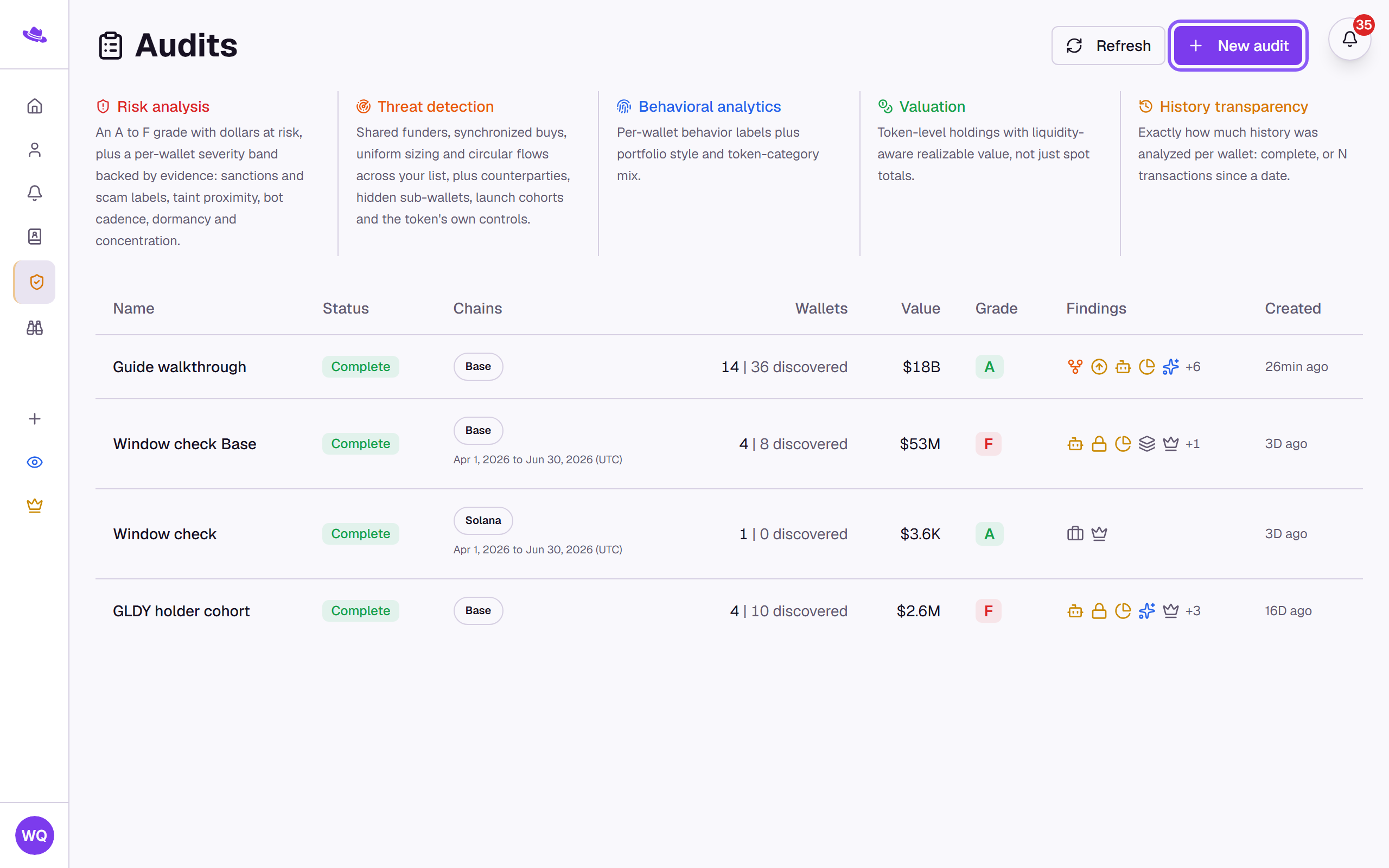
Select Audits in the sidebar, or open Audits directly, then select New audit.
-
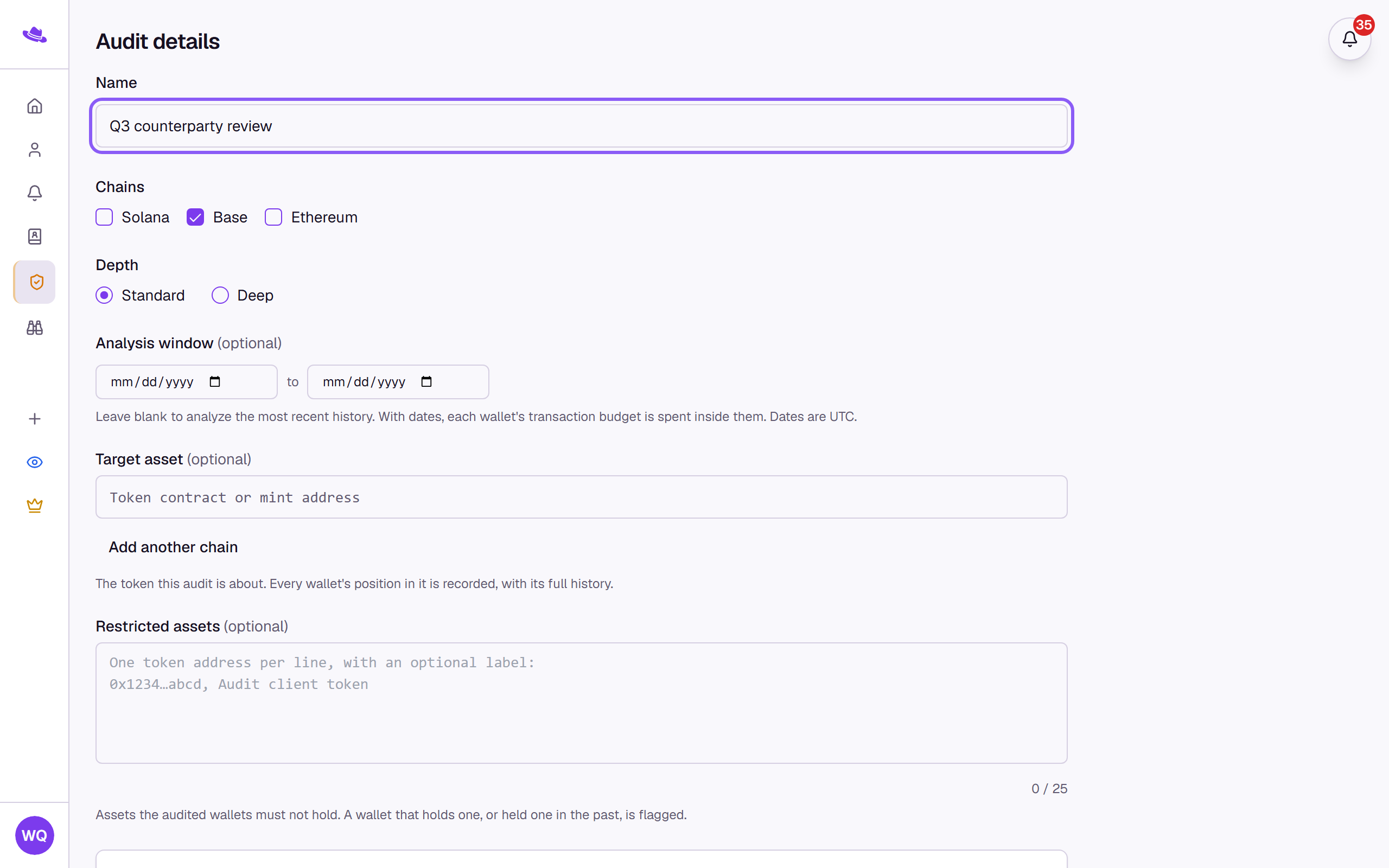
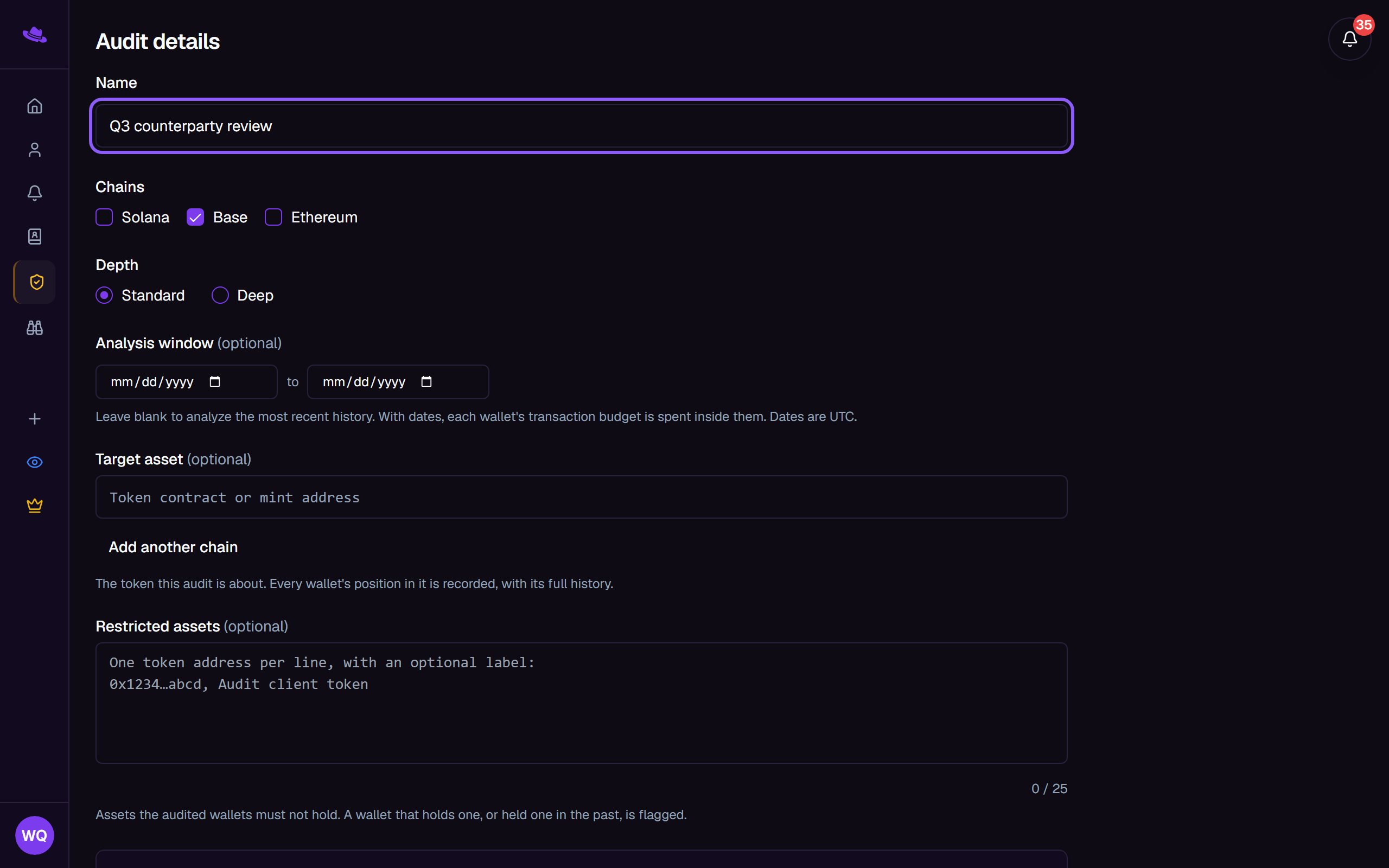
Give the audit a Name.
-
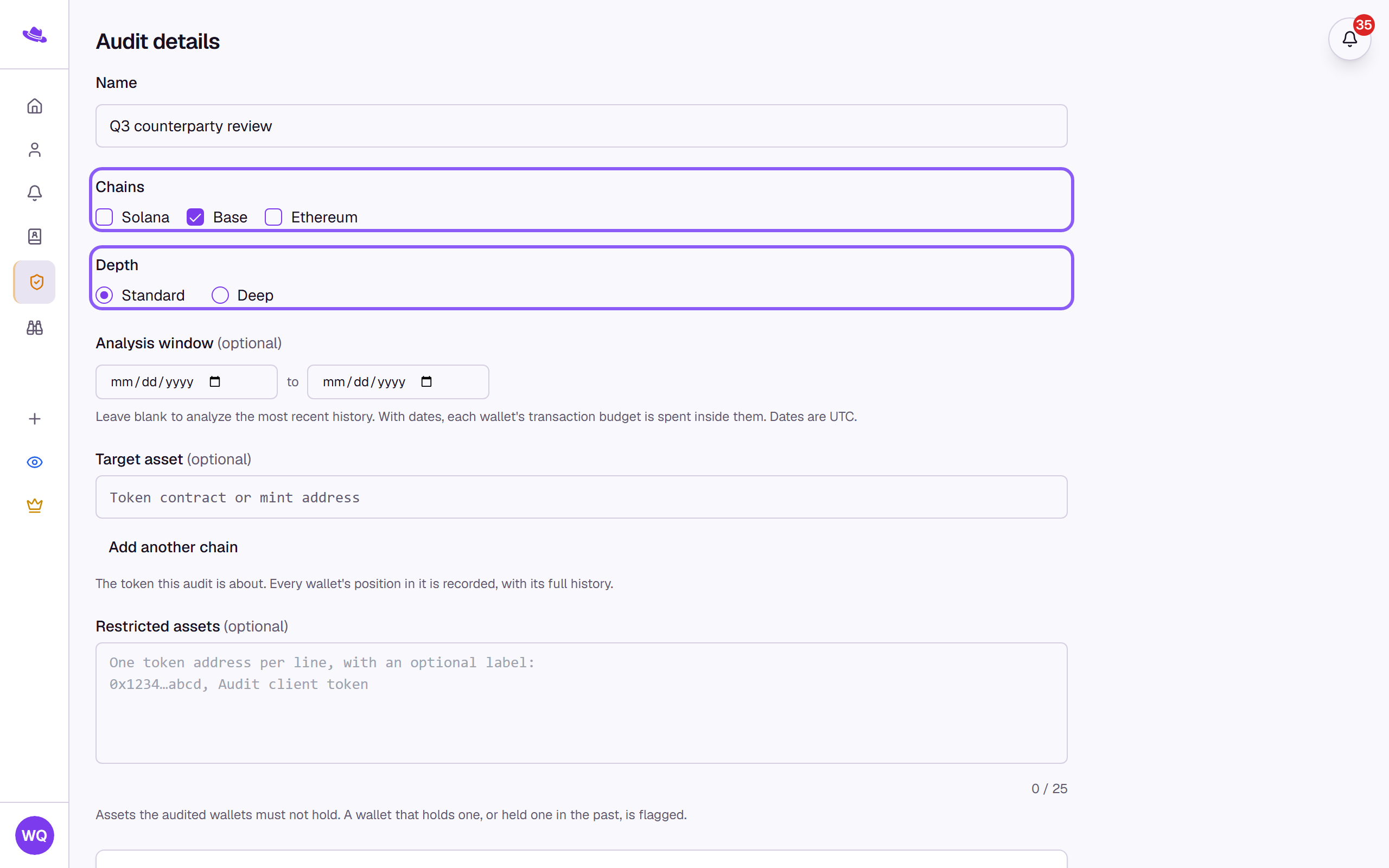
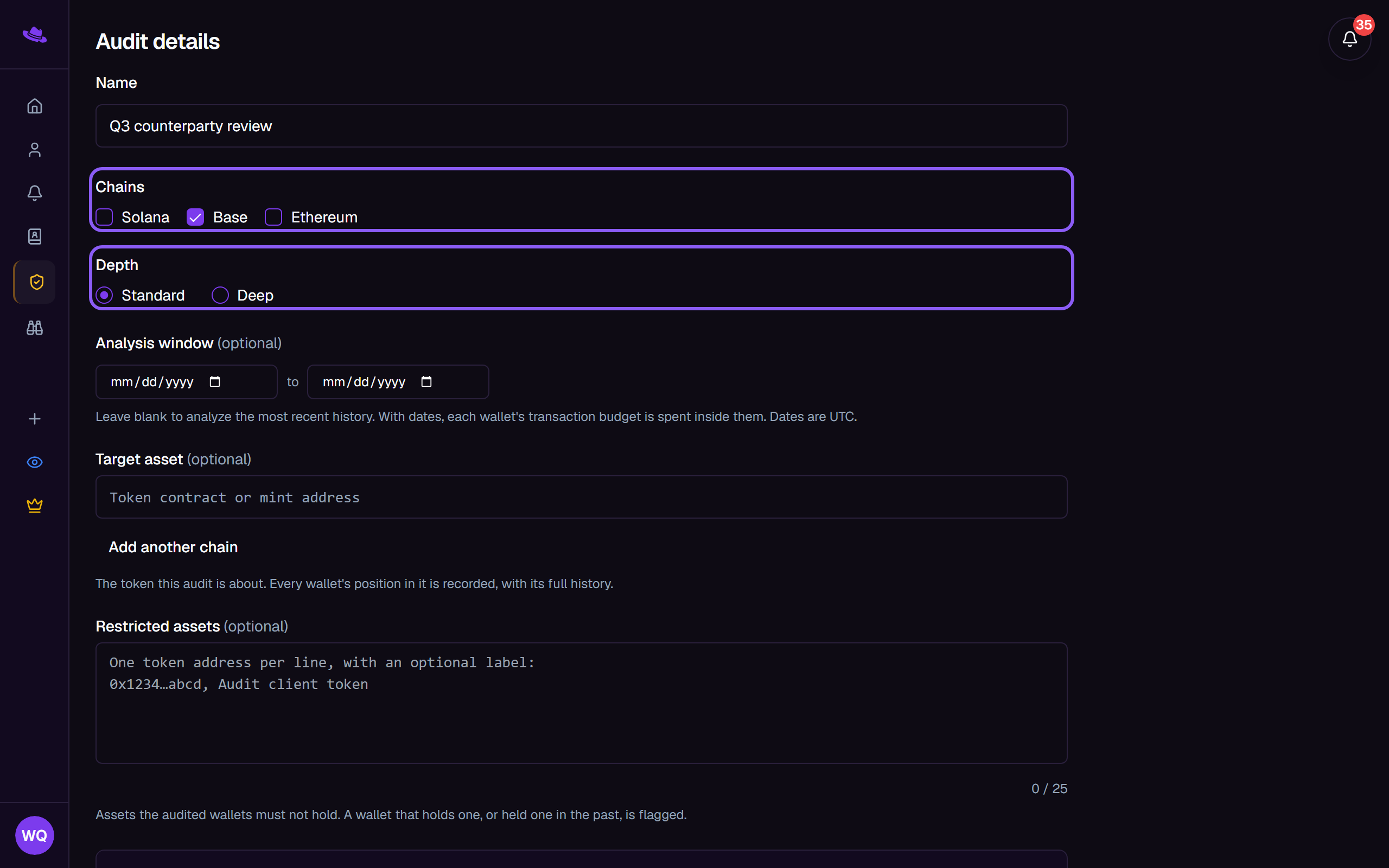
Under Chains, tick Solana, Base, and/or Ethereum, then choose a Depth, Standard or Deep.
-
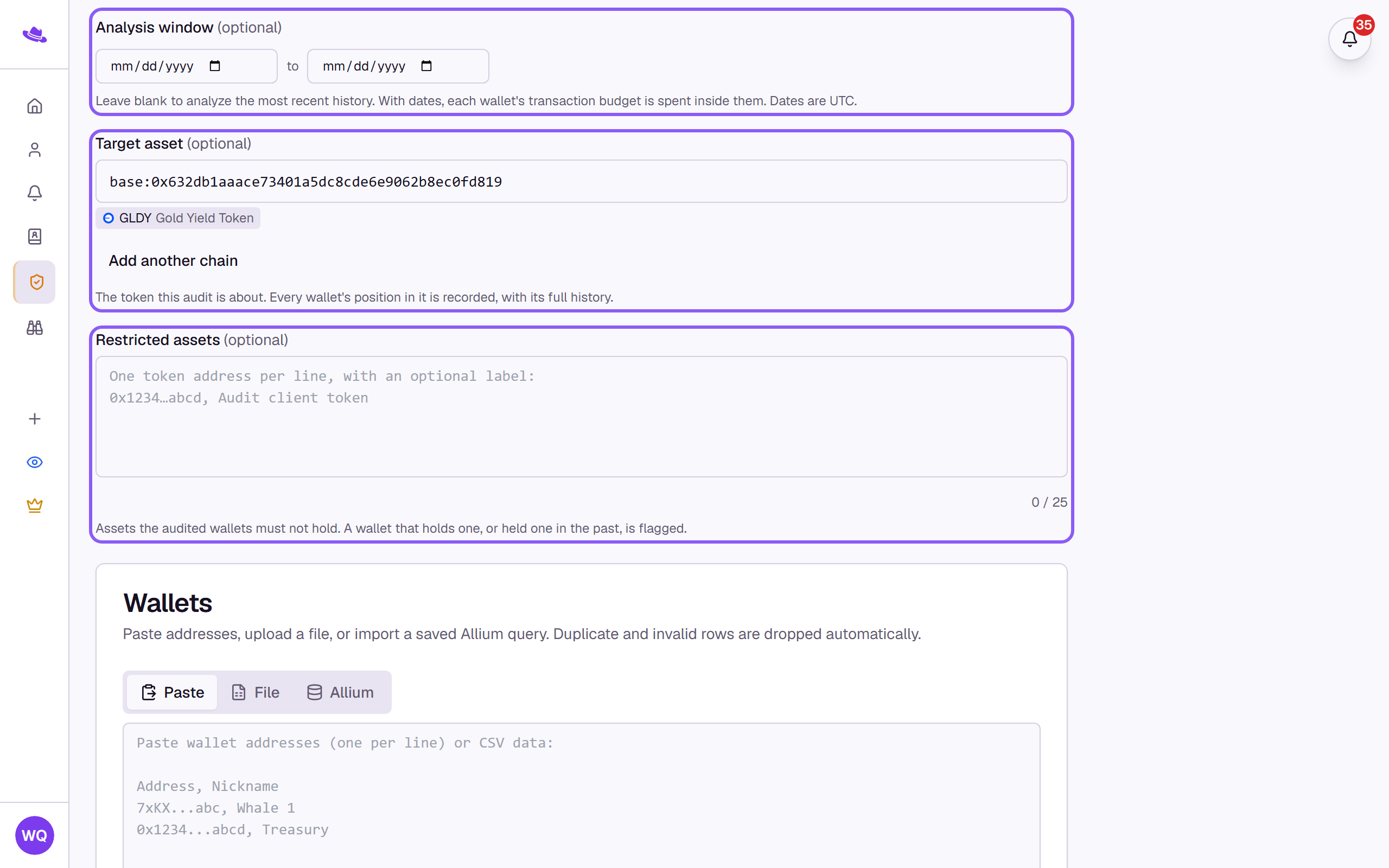
Optionally set an Analysis window, a start and end date that limit the history each wallet is analyzed over, then add a Target asset, a token whose position is recorded for every wallet with its full history, and Restricted assets, tokens that get a wallet flagged if it holds or ever held one.
-
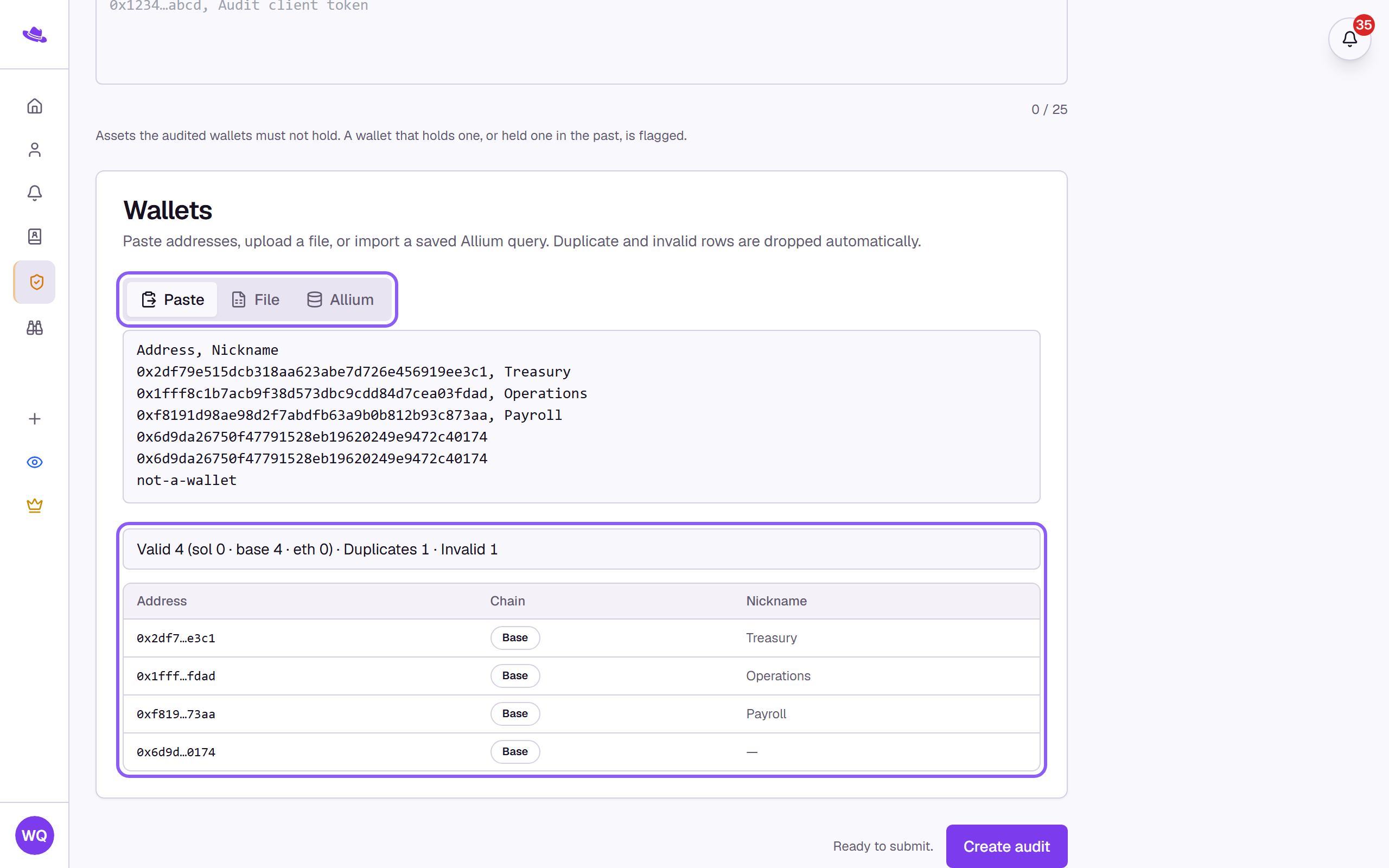
Under Wallets, switch between Paste, File, and Allium to bring in your list: paste addresses or CSV data, drag and drop a spreadsheet, or pull a list from Allium. The Allium tab offers ready-made queries (current holders, everyone who ever held, earliest buyers, wallets funded by an address) that need only a chain and an address, and no Allium account of your own; if you have connected Allium, My saved query runs one of your own saved queries instead. Wallet Sleuth auto-detects each address's chain, drops duplicate and invalid rows, and shows the running counts (valid, per chain, duplicates, invalid) above the preview table.
-
Once you have a name and at least one valid address, select Create audit.
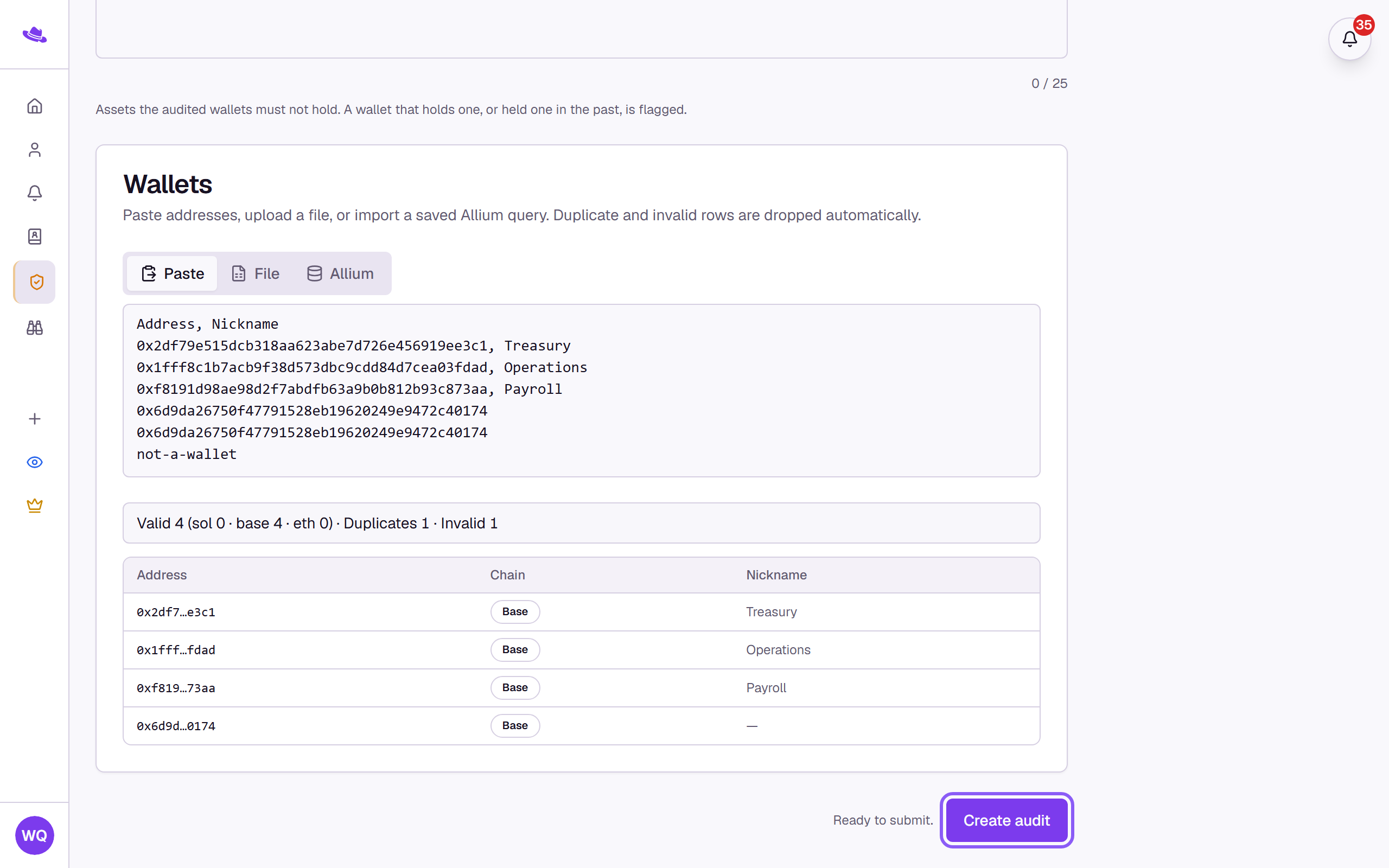
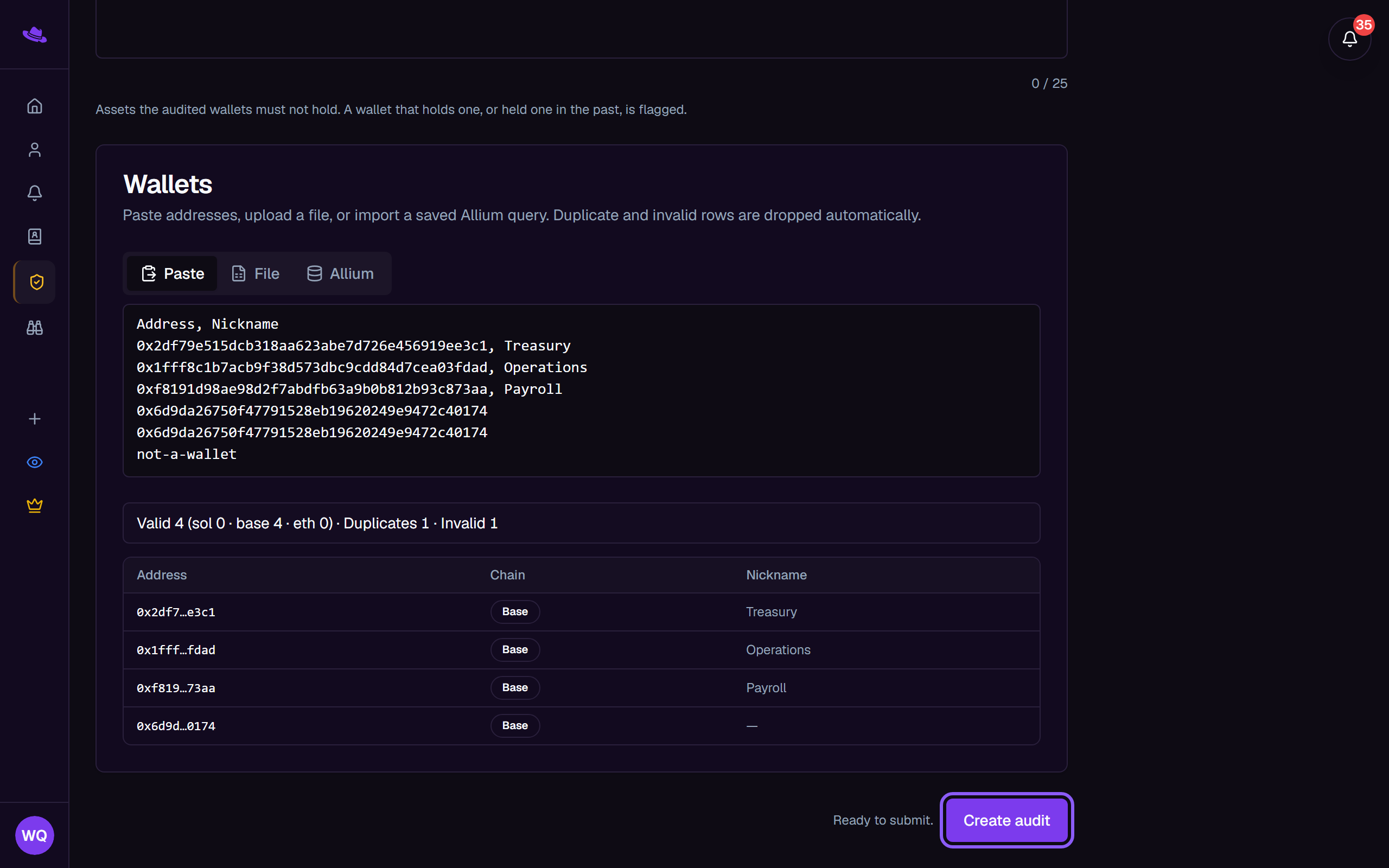
What you'll see
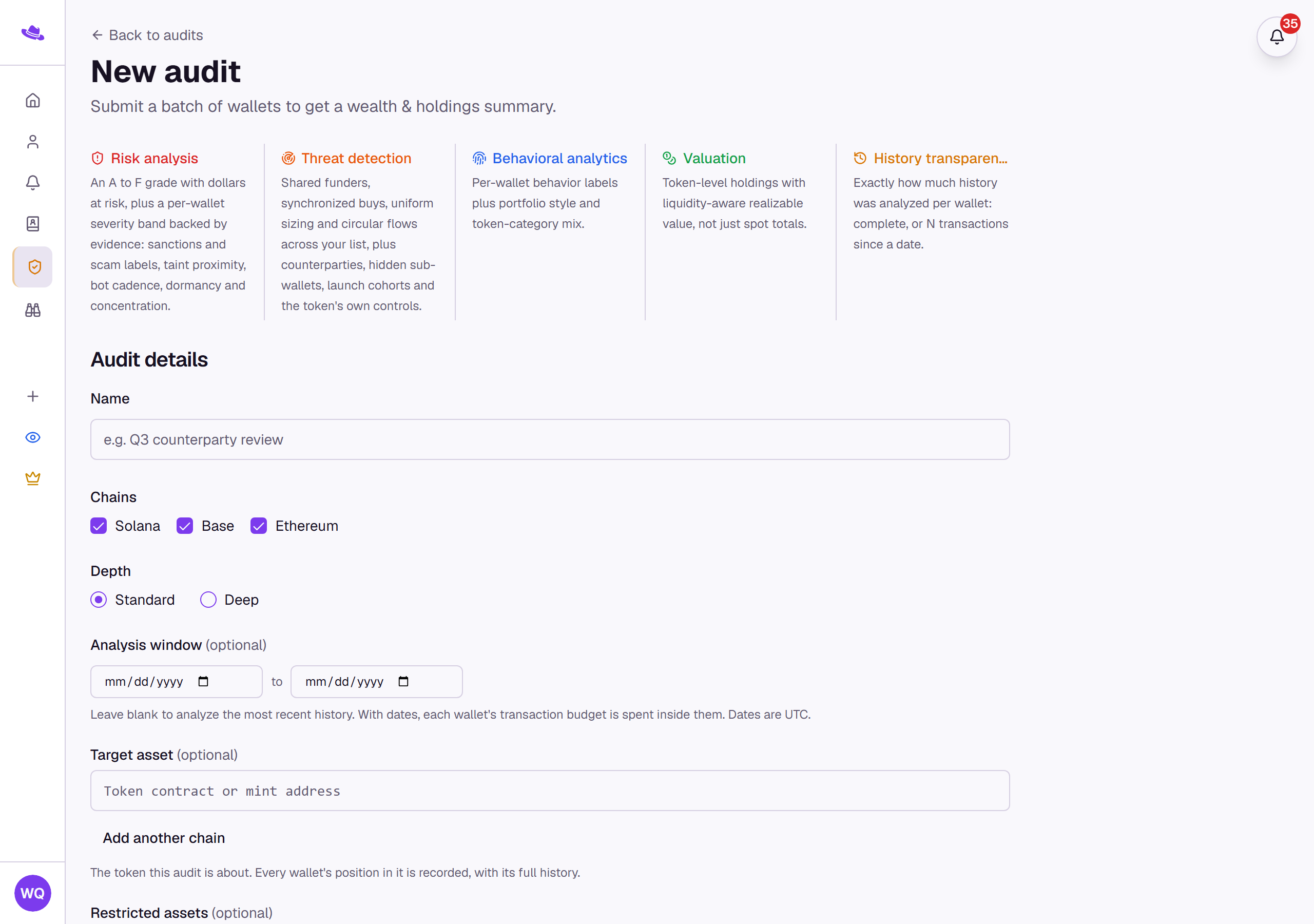
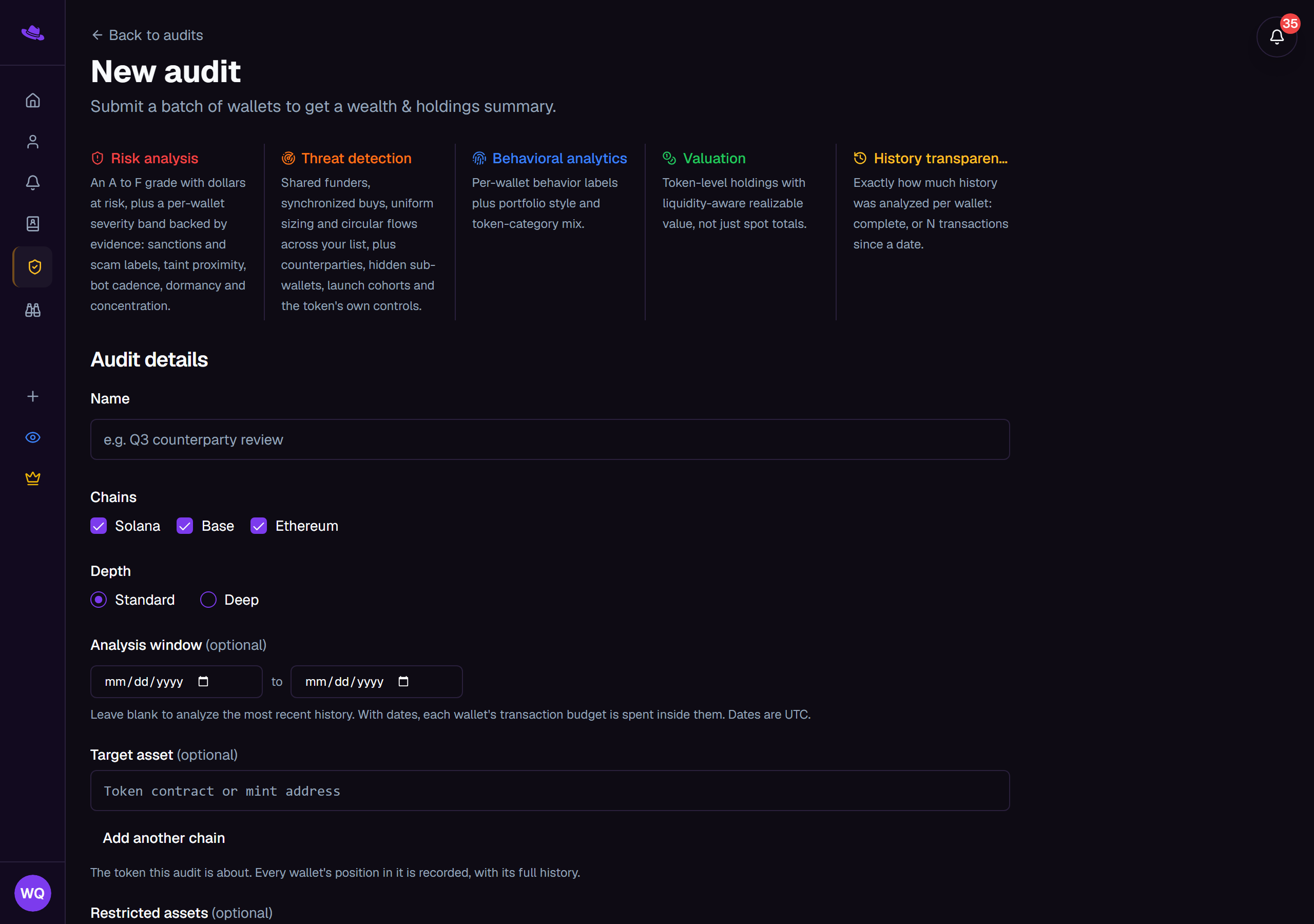
Above the form, a strip introduces what the finished report covers: risk analysis, threat detection, behavioral analytics, valuation, and history transparency. Below it, Audit details holds the name, chains, depth, the optional analysis window, and the optional target and restricted asset fields, and the Wallets card holds the Paste, File, and Allium tabs plus the preview table.
Tips
- If your file has its own Chain column, Wallet Sleuth pre-ticks the matching chain boxes for you; ticking or clearing a box yourself overrides that for the rest of the form.
- If a token address exists on more than one chain, the asset field asks you to name the chain: prefix the address with it, for example
base:0x.... - Leave the analysis window blank to analyze each wallet's most recent history. Dates are in UTC.
- A wallet list larger than the per-audit row limit is flagged in the preview and blocks Create audit until you trim it.
Common questions
What happens after I select Create audit? Pricing, and any free audits included in your plan, are shown before anything is charged; see pricing for what your plan includes. The audit then runs through its wallets and finishes with a report.
Can I change the chains, depth, window, or watched assets later? No. Those are fixed once the audit is created; start a new audit to analyze a different scope. You can still add or remove wallets from a completed audit within the chains it already covers.